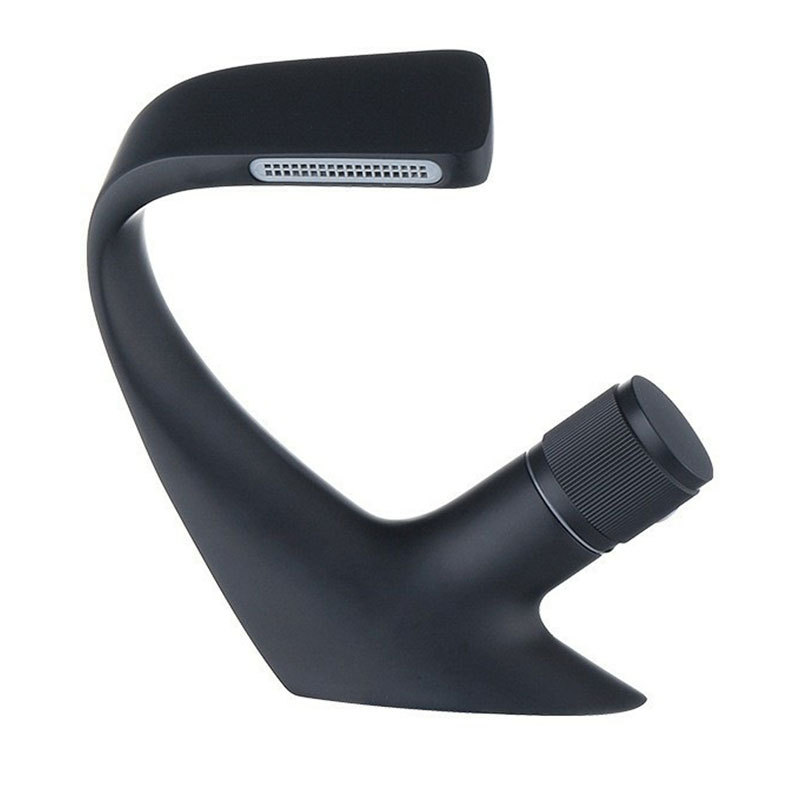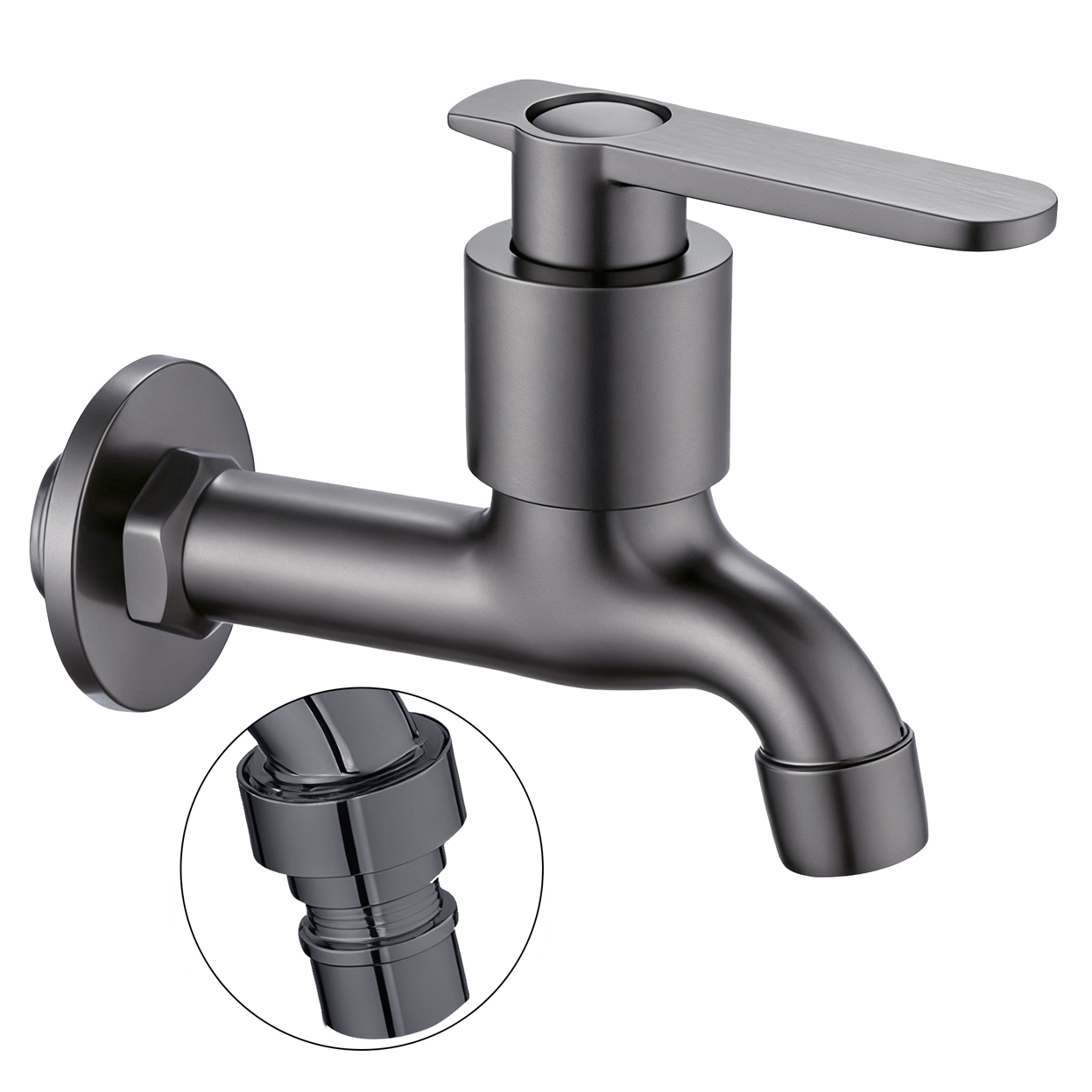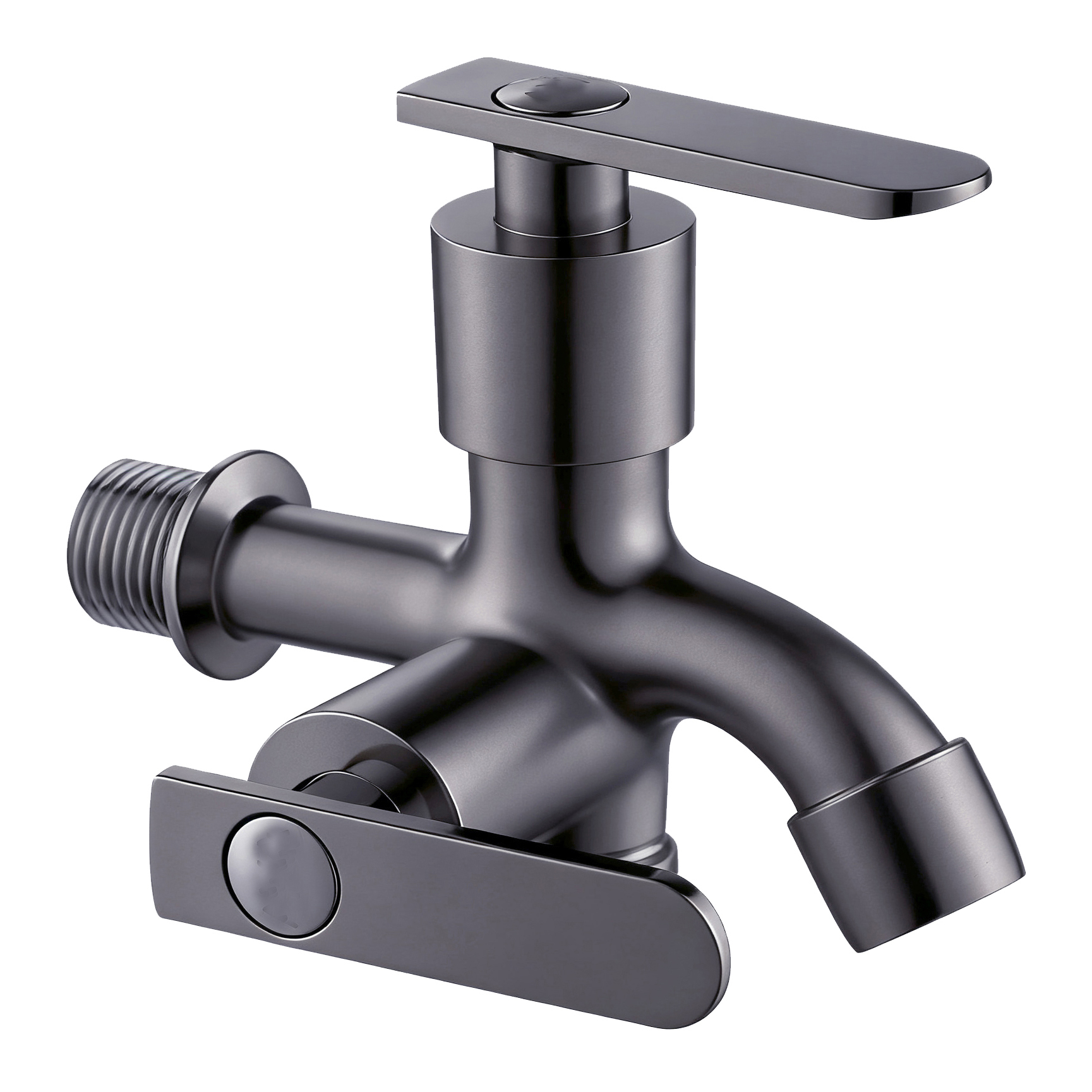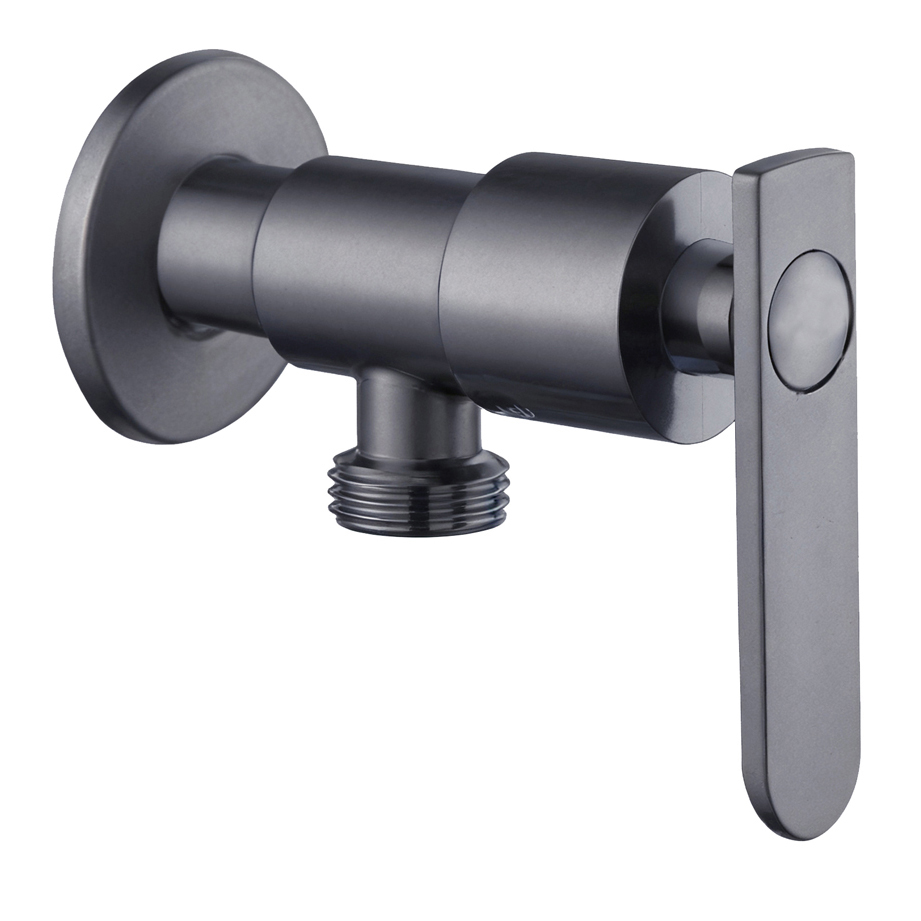




In bathroom products, the word “Smart” can now describe many different functions.
A sensor faucet may be called Smart.
A faucet with a digital display may use the same label.
Temperature detection, electronic control, and other features may also appear under the same category.
This makes Smart Basin Faucet a convenient product category.
However, it is not a precise description of what the product actually does.
When customers use the faucet, they interact with specific functions, not with the word “Smart.”
Three Smart Faucets May Have Completely Different Installation Requirements
A Sensor Faucet, for example, detects user movement within a sensing area and controls the water flow.
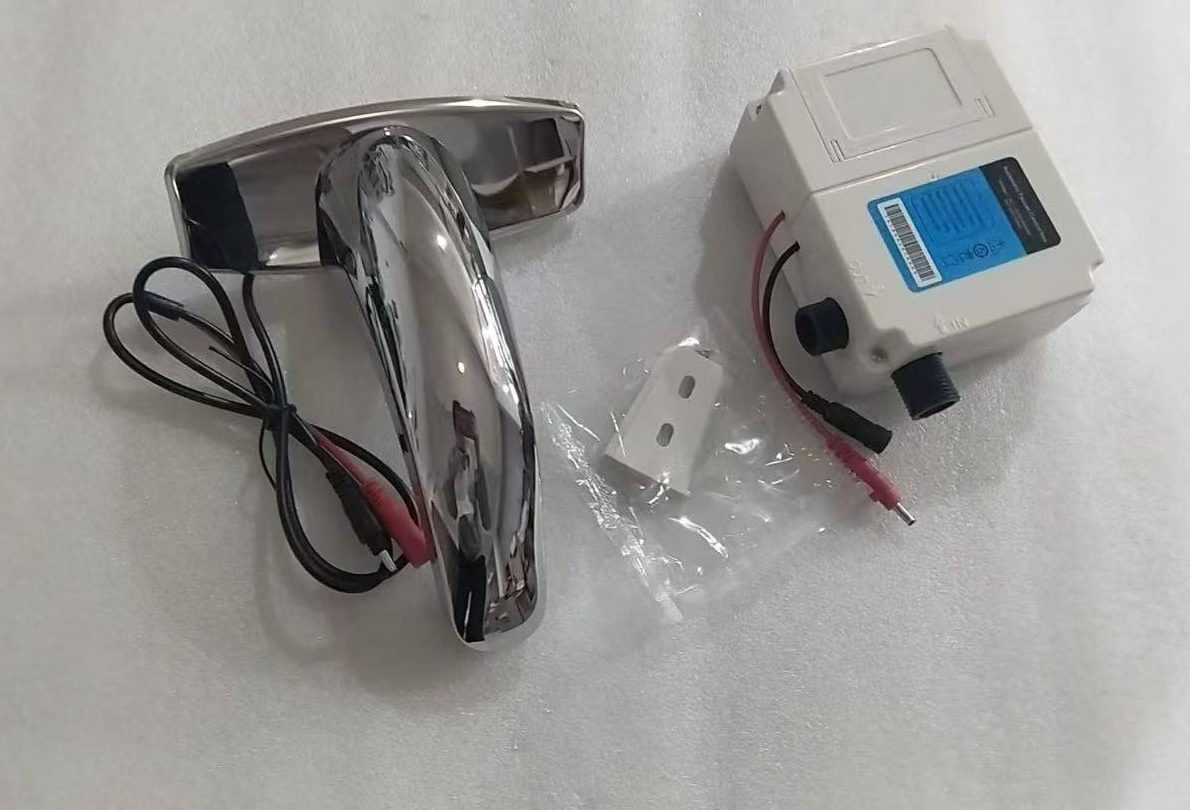
Retail information should explain how the sensing function works and what type of power supply it requires.
A Digital Display Faucet may simply show water temperature or operating status.
Depending on the product structure, it may use batteries, an external power supply, or another power source.
If a faucet also includes electronic temperature control, its installation and maintenance requirements change again.
Many problems with smart functions appear after the showroom demonstration.
For a Smart Basin Faucet, product information should explain what happens if the power supply fails.
It should identify the sensing range and explain how users or installers can adjust it when the product allows adjustment.
The battery or power connection should also remain accessible for maintenance.
Retailers should consider the actual bathroom environment too.
Cleaning activity, reflective surfaces, or nearby objects may affect sensor behavior on some designs.
If a product includes connectivity or voice control, the supported protocol should follow the specific model and firmware version.
Retail trials can also separate different types of customer feedback.
Ad esempio:
“Does not turn on.”
“Activates unexpectedly.”
“Does not work during a power failure.”
Recording these issues separately helps teams identify whether the problem comes from the sensor, installation environment, power system, or customer expectations.
It is more useful than grouping every issue under a general “smart function problem.”
There is nothing wrong with placing these products under a broad “Smart Faucet” category.
But if the packaging only highlights “Smart,” customers still do not know which smart function they are actually buying.
The same applies to a smart tall basin faucet.
“Tall” describes the faucet form.
“Smart” describes a broad functional category.
Neither term replaces the actual functional specifications.
“Smart” Should Be the Category, While Specific Functions Guide the Purchase
Physical retail stores have one clear advantage.
Customers can interact with the real product.
With a sensor faucet, one activation can show how the sensing function works.
With a digital display faucet, turning on the screen can immediately show what information it provides.
These real actions often explain the product better than a large “SMART TECHNOLOGY” label.
After launch, brands can also maintain update records for electronic functions.
If the product uses firmware, service information should identify relevant updates and troubleshooting guidance.
For faucets sold over several years, brands should also consider how changes in connectivity protocols may affect after-sales support.
Retailers can learn something useful after placing a new Smart product on the shelf:
Can customers understand its actual function without a long explanation from store staff?
If most shoppers still need a salesperson to explain what “Smart” means, the label itself is not providing enough information.
As smart faucet functions become more diverse, retail information should rely less on “Smart” as an all-purpose description.
Smart can tell shoppers which broad product category they are looking at.
Sensor, Display, Temperature Control, and Power Supply tell them what the product actually does.