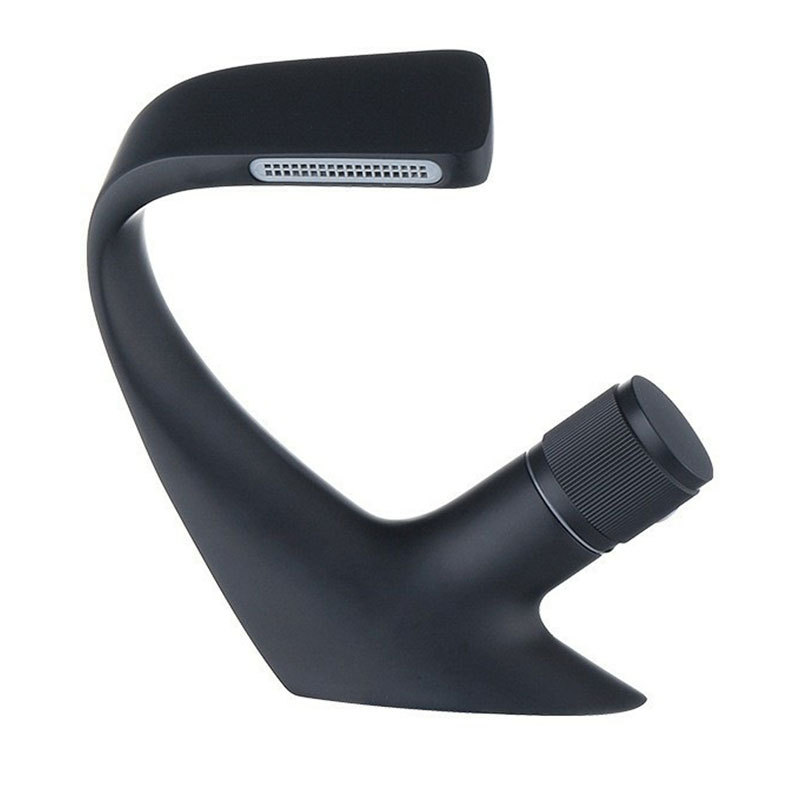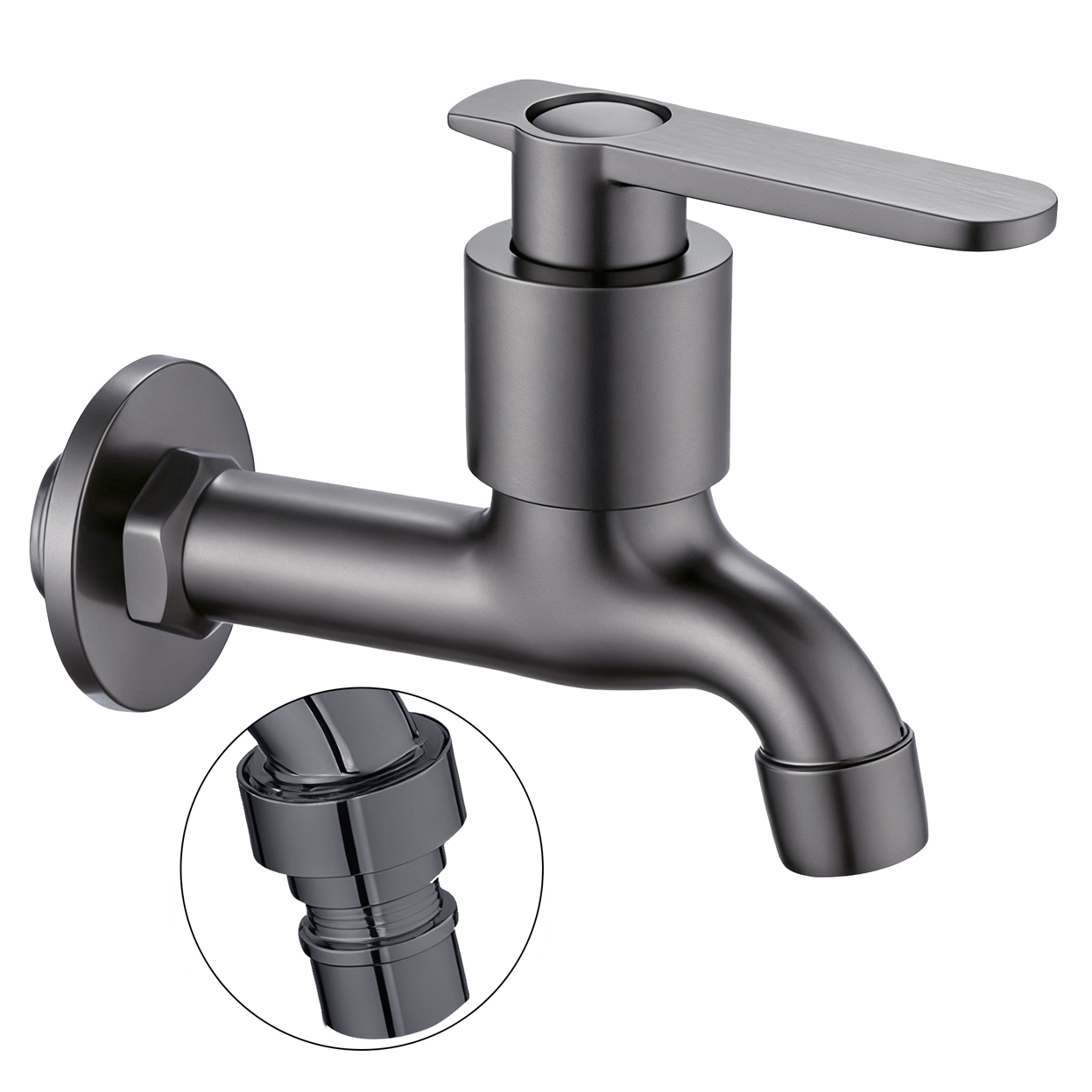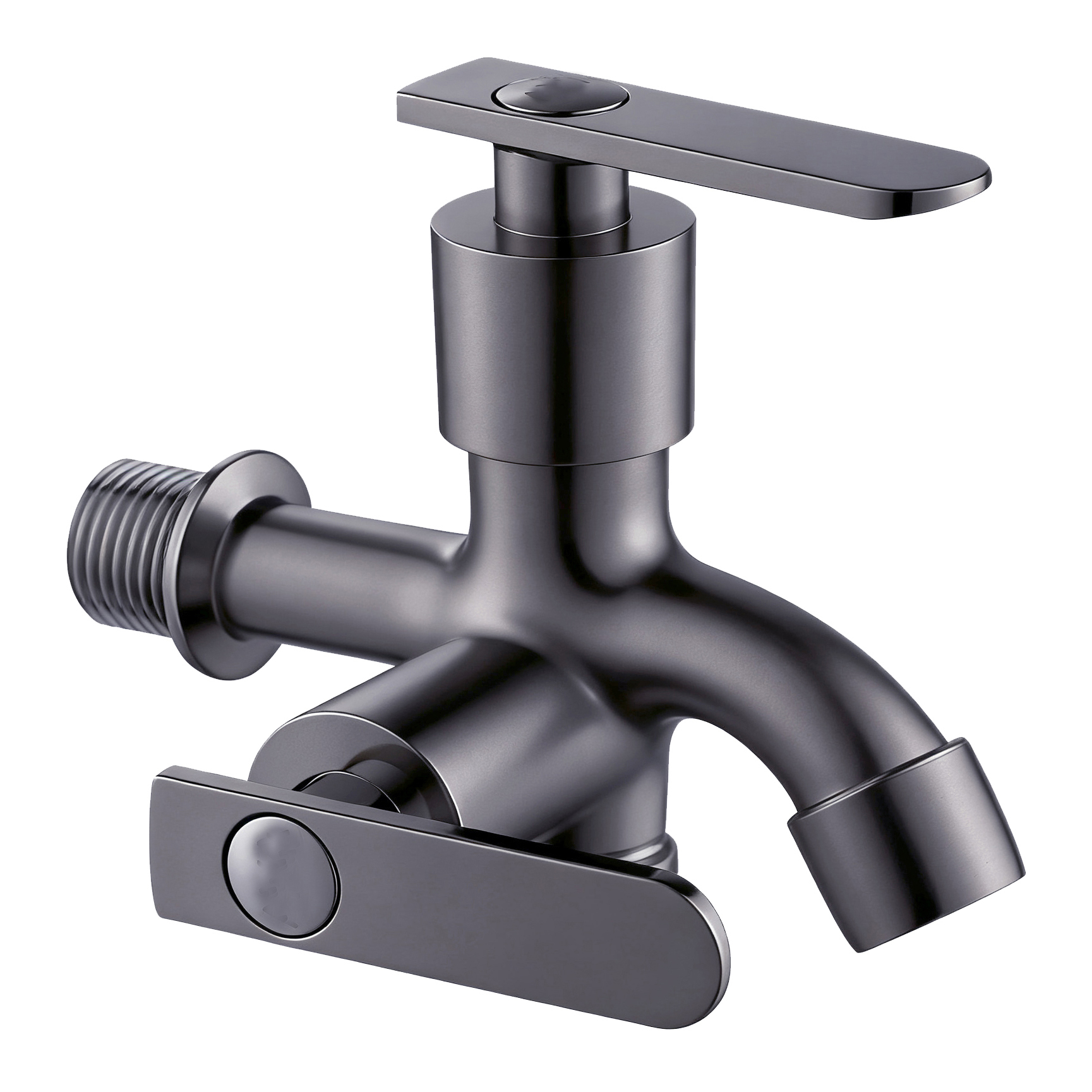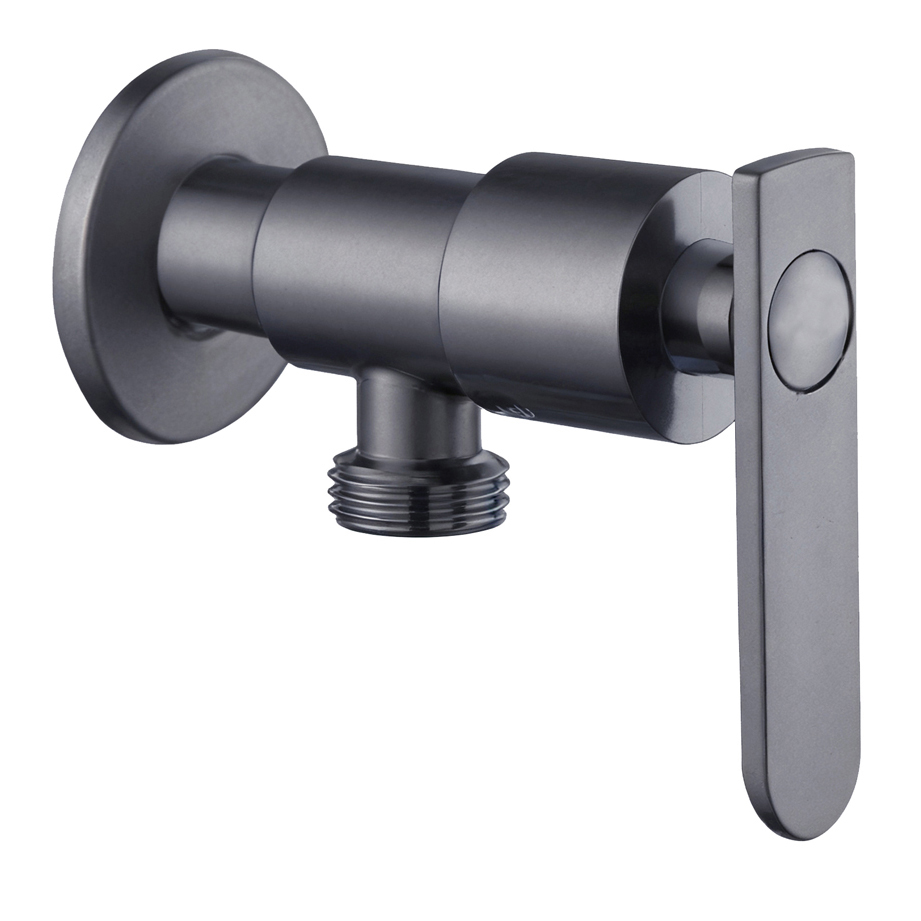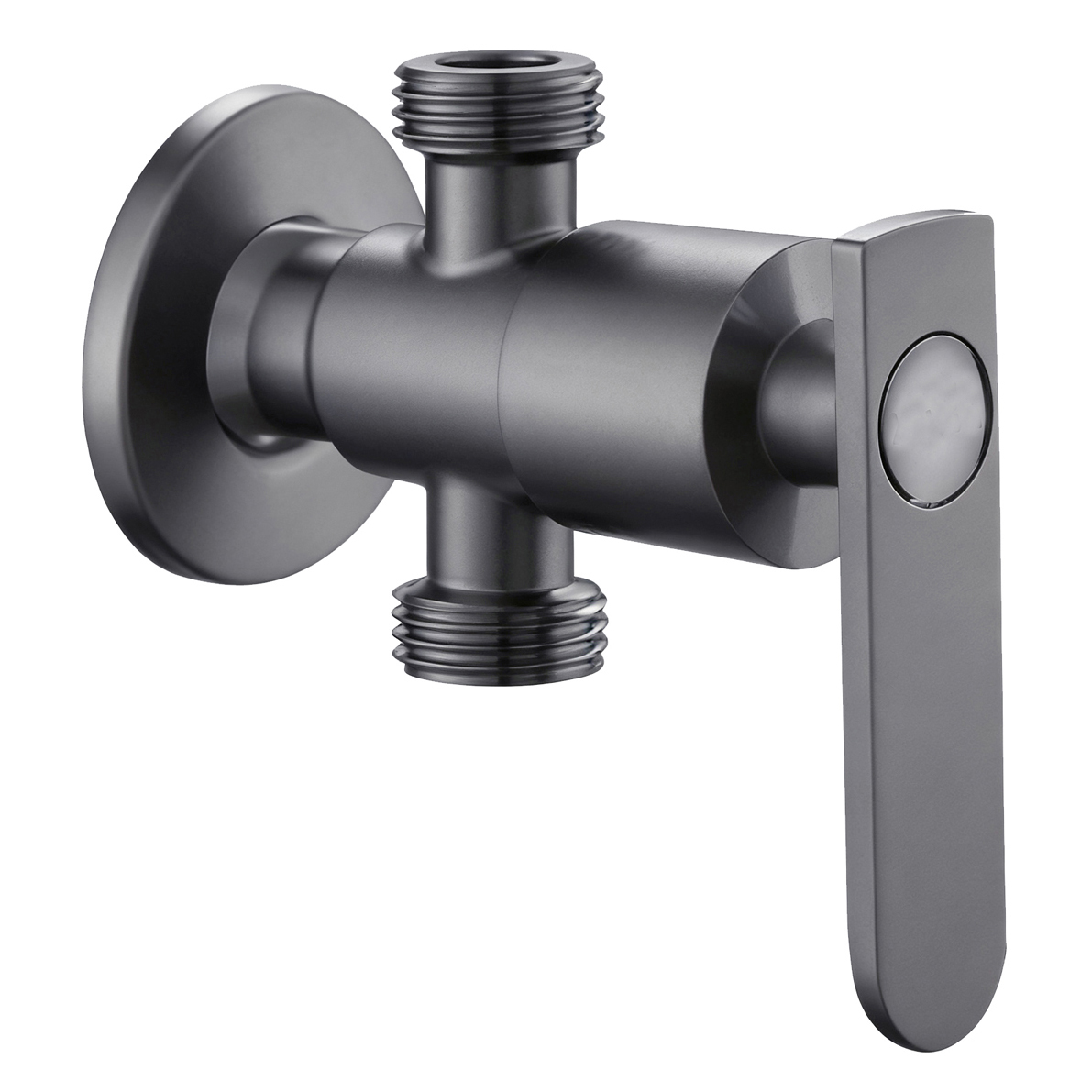




The purchasing team approves the price, and the distribution center receives the shipment. Yet the stores still struggle to sell the product.
The model number in the retail system does not match the box. A display sample is missing a key installation dimension. Store staff cannot explain the difference between two similar faucets. When a store places a reorder, someone mistakes the carton quantity for the number of individual units.
For a retail chain looking for a faucet supplier for hardware stores, receiving the products is only the beginning. The faucets still need to work within the retailer’s product, receiving, merchandising, replenishment, and after-sales systems.
A retail-ready product data package should give headquarters, distribution centers, stores, and service teams the same understanding of each SKU. They need to know what the product is, where it can be installed, what is included, how it should be identified, how to reorder it, and which parts belong to it.
A catalog and quotation alone rarely provide all of this.
This article focuses on product data management for hardware and building material retail chains. Barcode formats, data interfaces, delivery labels, and other retailer-specific requirements should always be checked against the retailer’s current rules.
1. Define the Role of Each SKU Before Building the Data
Before creating product files, decide why each faucet belongs in the assortment.
For every proposed SKU, the buying team should be able to answer three questions:
- What installation or use case does this product serve?
- Where does it sit within the intended price range?
- What meaningful difference separates it from the faucet beside it?
Without clear answers, a retailer can easily end up with several similar-looking products that are difficult for both customers and store staff to distinguish.
For example, a basic and an upgraded basin faucet should not be separated only by vague descriptions such as “standard” and “premium.” The difference should come from something that can be verified and explained, such as installation range, structure, function, included components, or service support.
The same principle applies to the size of the assortment. More heights, finishes, and control types do not automatically create a better retail range. If the differences cannot be clearly displayed or explained, additional SKUs may create more confusion than choice.
Para private label faucets for retail chains, product identification also needs to be established early.
The supplier may use one model number internally, while the retailer uses its own SKU. Both can remain in the system, but their relationship should be controlled. The supplier model should not appear in one document, the retail SKU in another, and an unrelated product name on the carton without a clear mapping between them.
2. Build One Product Master for Headquarters, Distribution Centers, and Stores
A product master does not mean putting every piece of information into one oversized spreadsheet.
Its purpose is to establish a controlled source for the product information used across the retail system.
The same dimension, accessory list, or configuration should not exist in several conflicting versions because purchasing, merchandising, and customer service each created their own file.
Different teams may need different formats, but the underlying product information should remain consistent.
| Product Data | Decision at Headquarters | Use at Store / Distribution Center |
|---|---|---|
| Product identity | Map the retail SKU to the approved supplier configuration | Identify and scan the correct product |
| Installation conditions | Confirm intended use and compatibility limits | Show key dimensions, connections, and site requirements |
| Sales package | Define what is included with the SKU | Identify accessories and missing parts |
| Packaging hierarchy | Define individual unit, inner pack, and master carton | Receive and reorder using the correct quantity |
| Merchandising information | Define the role of the SKU in the assortment | Explain product differences and display the correct model |
| Reorder and service data | Confirm supply and spare-part relationships | Use the correct reorder code and identify compatible parts |
Some fields need more precision than their names suggest.
“Dimensions,” for example, may refer to faucet height, installation dimensions, retail box size, or master-carton size. These measurements serve different purposes and should not be stored as one undefined value.
The same applies to weight. Product net weight and carton gross weight should not be interchangeable.
Product information that affects a buying decision should also have a clear current version. When a drawing or configuration changes, the retailer needs to know whether shelf information, installation instructions, product images, or service data also need to change.
Keeping the latest file in one buyer’s inbox is not enough to maintain a retail product.
3. Test Whether Store Staff Can Actually Use the Information
A practical way to test product information is to give it to someone who was not involved in the original purchasing decision.
Ask them to handle a few common store questions:
Can this faucet be installed in the customer’s existing setup?
What is the practical difference between these two similar models?
What should the store do if a particular accessory is missing?
The answers should be available from the approved product information. Store staff should not have to contact the purchasing team every time a basic product question comes up.
This test can also reveal whether the information is too vague. For example, saying that one model is “better” does not explain what is actually different. Key dimensions, installation conditions, included components, and functional differences give staff something concrete to work with.
At the same time, product information should make clear what has been verified and what has not. A connection that looks similar does not automatically mean that two products are compatible. Likewise, the specification of one component should not be used to make claims about the performance of the entire faucet unless supporting evidence is available.
The same principle applies to display samples.
If a display faucet still has an old handle or spray head after the boxed product has been changed, customers may make their purchase decision based on a version they will not actually receive. Any display-only modification should therefore be clearly identified and kept separate from the standard sales configuration.
The goal is not to give store staff more information. It is to give them information they can use accurately at the point of sale.
4. Connect Packaging to SKU Identification and Replenishment
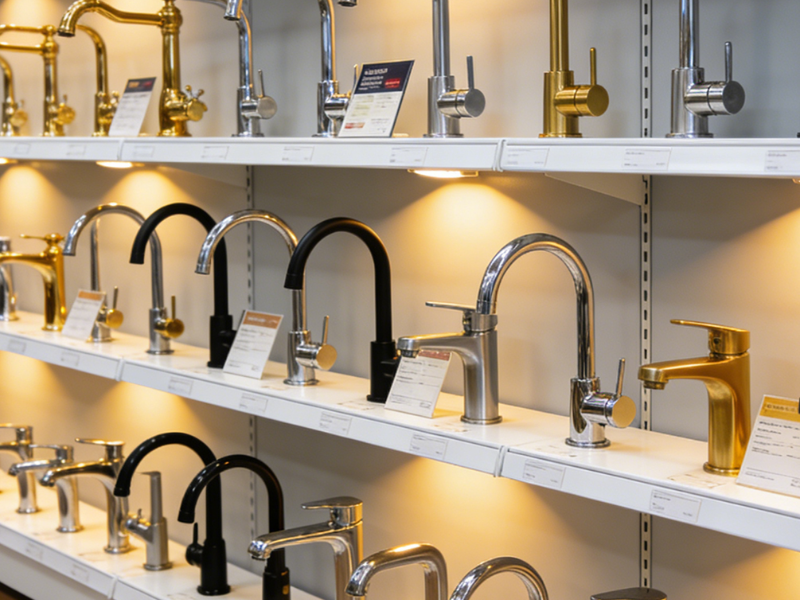
For a retail chain, retail-ready faucet packaging also supports product identification.
Customers need to recognize the product. Store staff need to distinguish similar models and finishes. Distribution centers need to know how many selling units each carton contains.
All three levels should point to the same SKU.
When stores open master cartons for shelf replenishment, staff should still be able to identify each individual selling unit after removing the outer carton. The retail SKU, product name, finish, and faucet inside the package should match the approved product data.
Packaging hierarchy also matters.
An individual faucet, an inner pack, and a master carton represent different handling units. If the store orders individual units while production and shipping use carton quantities, the product data should clearly define the conversion between them.
This becomes more important when a series includes several similar finishes. A printed box color should not serve as the only way to distinguish them. Instead, the finish name and SKU should follow a controlled product definition. That gives the retailer a clear reference when placing a reorder instead of relying on someone’s memory of a particular shade.
5. Run the Product Data Through a Pilot Store
A pilot store does not need to predict sales for the entire retail network. Its more useful role is to test whether the product information works throughout the actual retail process.
Follow One SKU Through the Retail Process
Follow one SKU from beginning to end:
Headquarters approves it → the distribution center receives it → the store identifies and displays it → staff use the product information → the store places a reorder.
At each stage, look for information that staff need to add, clarify, or correct manually.
Does the receiving team have to ask which carton belongs to which SKU?
Does store staff need to contact headquarters to explain a basic product difference?
Does the store reorder by individual unit while another part of the system uses carton quantities?
Does the product image still show an earlier version?
These interruptions show where the product data flow needs improvement.
The same test can follow one replenishment order. Check which code the store uses, how headquarters consolidates the demand, how the purchasing team communicates the required configuration to the supplier, and which unit the distribution center receives.
Identify the Source of Each Problem
When a problem appears, identify its source before deciding who should correct it.
The issue may come from incorrect master data, a system mapping error, an execution mistake, or an actual product change. These causes can create similar problems at store level, but each one requires a different solution.
For example, a wrong retail-system field requires a data correction, not a change to the faucet. On the other hand, repeated store confusion may indicate that two product versions are too difficult to distinguish from the approved information.
Before expanding the product to more stores, close the issues that affect daily operations. Record the corrected fields, replaced images or instructions, unresolved items, and person or team responsible for the next action.
The goal is to expand a working information system rather than repeat the same error across more locations.
6. Manage Reorders, Discontinued SKUs, and Replacement Models
A reorder can follow the previously approved configuration, but the retailer still needs to check whether anything relevant has changed.
The more difficult situation often arises when an old SKU reaches the end of its lifecycle or the supplier proposes a replacement.
A replacement faucet should not automatically use the old SKU simply because the two products look similar.
Instead, compare the features that affect actual retail use:
- installation conditions;
- included accessories;
- relevant product information;
- spare-part compatibility;
- display and identification requirements.
If the two products are not genuinely interchangeable, the retailer may need separate SKUs. Otherwise, the retail system could treat two different products as one.
The retailer also needs to consider customers who purchased the previous model.
A store may stop selling an older faucet while existing customers still need compatible hoses, cartridges, aerators, or other service parts. Launching a replacement product and supporting the previous model therefore require two separate plans.
For store-level service, use a simple identification path. First, identify the product SKU and, where necessary, the relevant version or batch. Next, identify the problem location and symptoms. Then match the product to the appropriate service or spare-part solution.
Store staff should not have to recognize several visually similar internal parts from memory.
Clear product identification makes the process easier for both the retailer and the supplier, especially when the same product family contains multiple versions or when older models remain in the market.
7. Check How the Supplier Handles Product Changes
Product data management does not end with the first shipment.
If a supplier changes an accessory, finish, package, or component, the retailer needs to know which SKUs and product information the change affects.
Before expanding the program, confirm how the supplier communicates these changes and keeps product numbers, drawings, packaging information, images, and spare-part data aligned.
The goal is simple: the information in the retail system should continue to match the product the retailer actually receives and sells.
From a Faucet to a Retail-Ready SKU
For a hardware chain, a finished faucet is not automatically a finished retail product.
The SKU also needs a consistent identity, usable installation information, a defined sales package, a clear packaging hierarchy, a replenishment relationship, and a service path.
When discussing a retail-chain program with YOROOW, buyers can provide the proposed product list together with their retail data fields, packaging hierarchy, display requirements, and replenishment method. These can then be matched to the specific product configurations before the first rollout.
A useful first delivery review should answer one practical question:
Once this faucet enters the retail system, can it continue to be correctly identified, explained, reordered, and supported?
When the answer is supported by consistent product data, the purchasing price can become part of an executable retail program rather than simply the cost of a ship