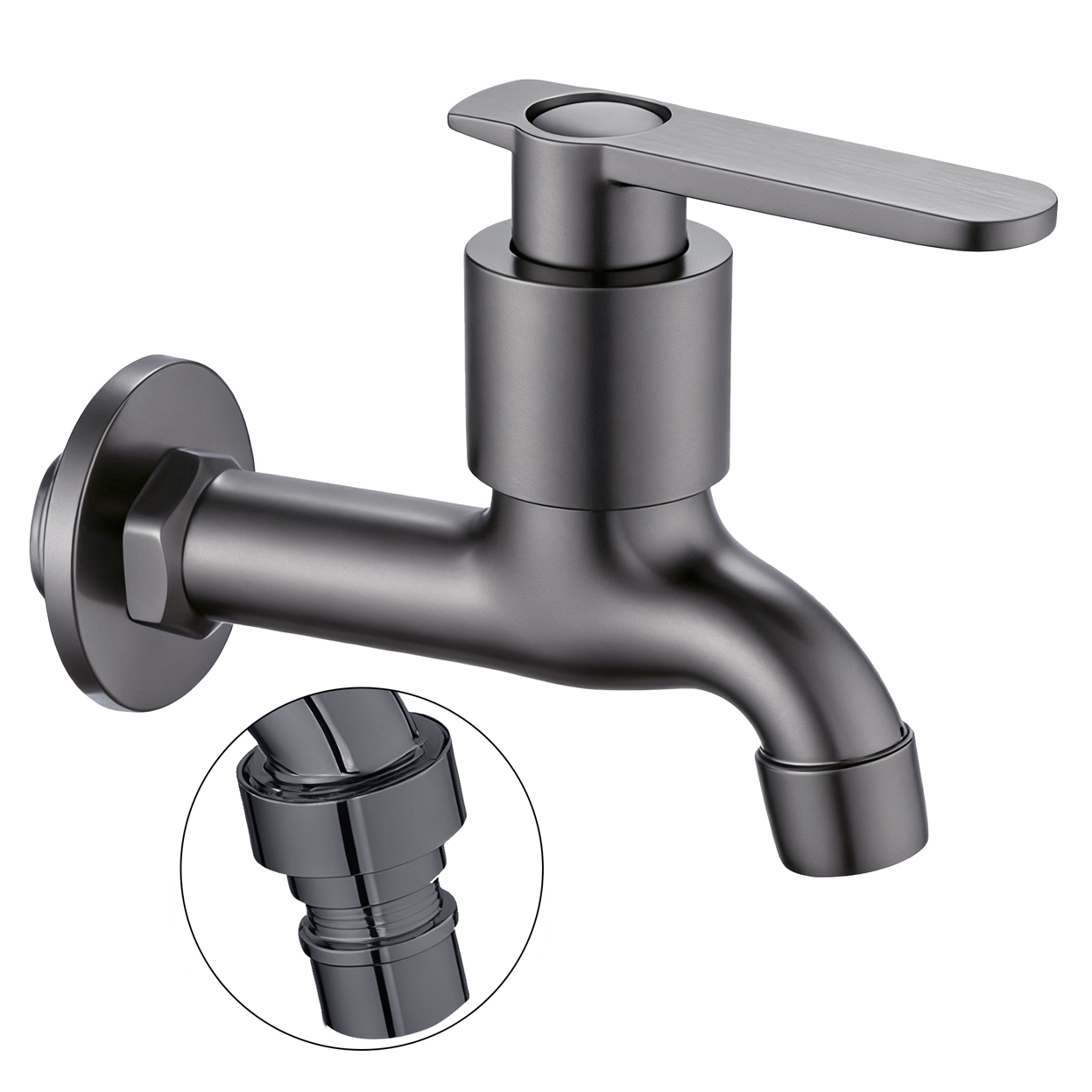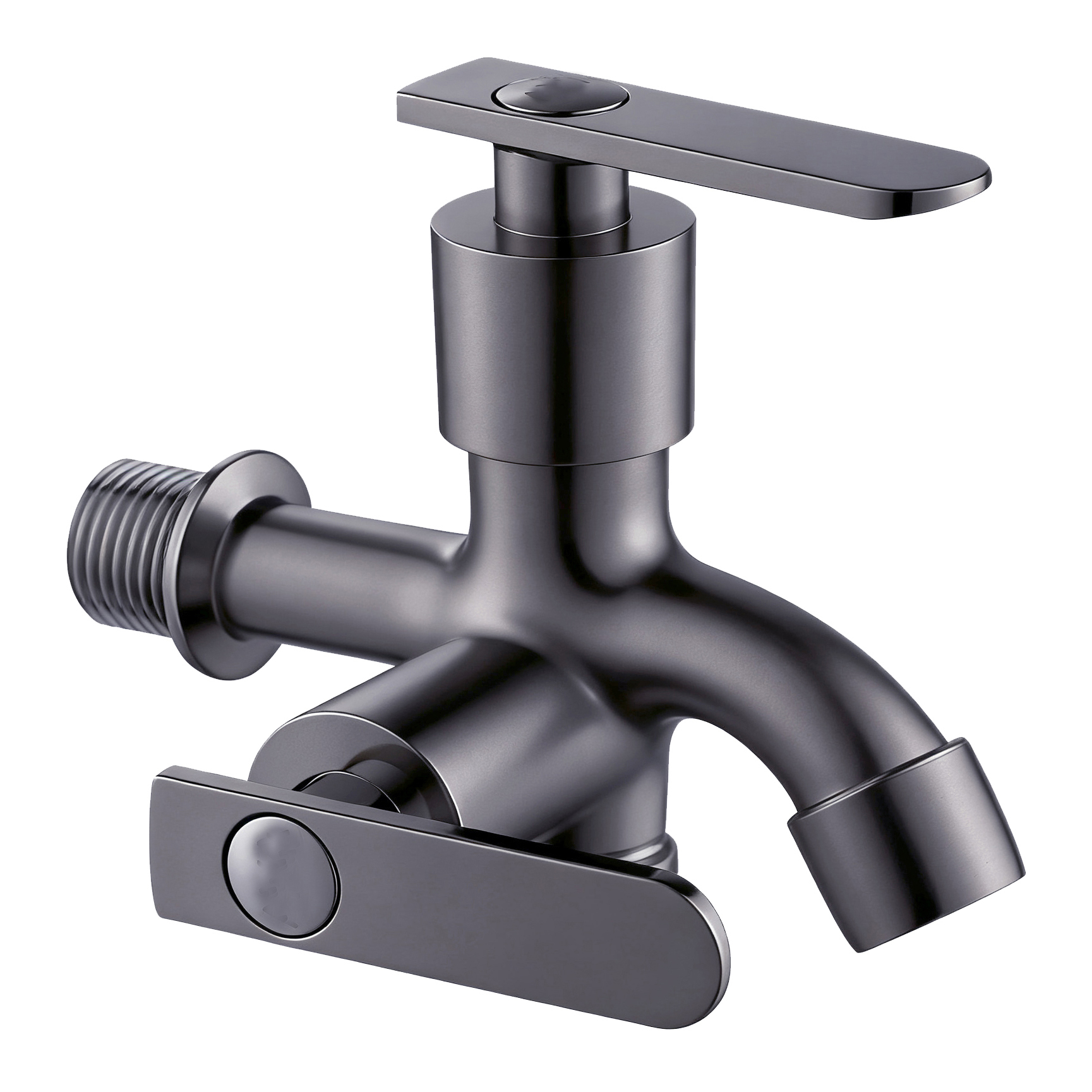




A faucet specification sheet is often used to list product dimensions, materials, finishes, and other technical details. But when procurement, engineering, and inspection teams all use the same document, adding more information can actually make it harder to read.
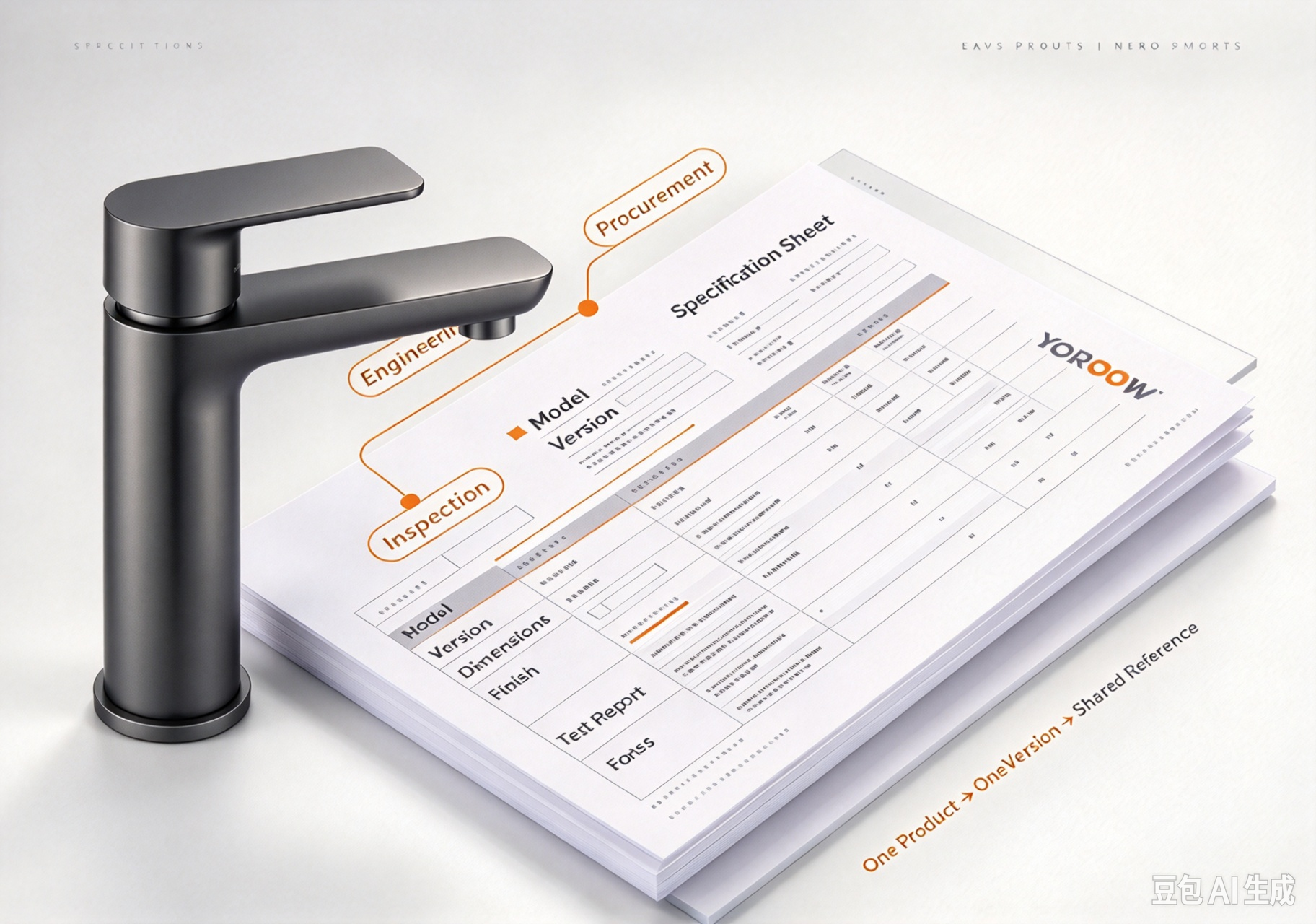
A better approach is to use the one-page sheet as a common product reference, rather than trying to turn it into a complete technical file.
The main sheet should identify the product, show the key conditions that need to be controlled, and point users to the supporting documents. Detailed drawings, test reports, packaging artwork, and approved sample records can stay as attachments.
In simple terms:
Main Sheet = Product Index + Key Conditions
Attachments = Detailed Evidence
This structure helps different teams work from the same product version without putting every detail onto one crowded page.
Let Each Reader Find Their Answer First
The same faucet specification sheet may be used for different purposes.
Procurement needs to know:
What exactly are we buying, and what is included?
Engineering needs to know:
Can the faucet be installed and used as planned?
Inspection needs to know:
What should the delivered faucet be checked against?
These questions are related, but they are not the same.
For this reason, the product identity and key control points should be easy to find before users move into the detailed technical information.
Put Product Identity Where It Can Be Seen
Before checking a dimension or finish, users need to know that they are looking at the correct product version.
A practical faucet specification sheet can identify:
- Model or product code
- Configuration code
- Product version
- Revision date
- Intended application
- Sales region
- Main finish or color code
- Main product photo
This becomes especially important when similar faucet models have the same appearance but different setups.
For example, a change to the mounting accessories may not make the faucet look different in a product photo. However, it can affect the purchasing scope, installation requirements, and inspection criteria.
The specification sheet should make these differences clear instead of leaving each department to work them out separately.
What Should Go on the One-Page Main Sheet?
The main sheet does not need to contain every technical detail. It should contain enough information to identify the product and help users find the right supporting documents.
| Information Group | What the Main Sheet Should Show | Supporting Attachment or Approval Basis |
|---|---|---|
| Product identity | Model, configuration code, version, date | Approved sample number, current product photos |
| Application & market | Installation scenario, sales region | Relevant requirements or related documents |
| Main structure | Body and key component description | Material or configuration list |
| Installation & connection | Key dimensions, connection identification | Version-controlled technical drawing |
| Performance conditions | Relevant requirements, test-condition index | Test plan or test report |
| Appearance & marking | Finish code, logo position | Color sample, approved artwork |
| Delivery scope | Accessories, packaging, instruction materials | Packing list, packaging artwork |
| Approval record | Responsible person, date, status | Sample or approval record |
This structure keeps the main page easy to read while still giving users access to the evidence behind each requirement.
Dimension Drawings Should Explain Installation Relationships
A technical drawing should do more than show the overall size of a faucet.
For engineering and purchasing, the key question is often how the faucet connects to the installation environment.
Depending on the product, the drawing may need to show:
- Overall dimensions
- Mounting dimensions
- Inlet or outlet connections
- Thread specifications
- Hole diameter requirements
- Spout reach or height
- Connection positions
- Important installation clearances
The main specification sheet can show the key dimensions, while the detailed drawing provides the full dimension reference.
This keeps the one-page document easy to use while still giving engineering teams a clear path to the information they need.
The Specification Status Changes from RFQ to Mass Production
A faucet specification sheet does not always have the same status throughout the purchasing process.
At the RFQ stage, some specifications may still be under discussion.
At the sample stage, certain details should be confirmed through the approved sample.
By the mass-production stage, the specification should represent the released version that production and inspection are expected to follow.
A simple status flow can help:
RFQ → Discussion
Sample → Approval
Mass Production → Released Version
This distinction matters because a value shown on an early quotation document should not automatically be treated as the final production requirement.
The document should show its status and revision clearly enough that procurement, engineering, production, and inspection do not work from different versions.
Do Not Let the Same Number Lose Its Meaning Across Documents
A specification sheet may show a dimension, flow rate, connection size, or other value that also appears in a technical drawing or test report.
The problem is not that the same number appears more than once. The real problem is when users cannot tell whether different documents refer to the same product setup and version.
For example, if the faucet specification sheet shows one connection setup while the latest technical drawing shows another, the issue is not simply a document error. It may affect purchasing, installation, and incoming inspection at the same time.
A good document system should make it easy to identify:
- Which product version the value belongs to
- Which drawing or report provides the detailed evidence
- Whether the document is current
- Whether the change has been approved
The goal is not to remove repeated information. Instead, the documents should have clear links to each other.
The Main Sheet Should Point Inspectors to the Actual Basis
During incoming inspection, the inspector should not have to search through old emails to find out which requirement applies to the delivered faucet.
The specification sheet can provide a direct reference to:
- Approved sample
- Current technical drawing
- Relevant test report
- Finish or color approval
- Packaging artwork
- Inspection requirements
- Other approved product records
It is also useful to separate “not applicable” с сайта “not yet confirmed.”
These two statuses have different meanings.
“Not applicable” means the requirement does not apply to this product.
“Not yet confirmed” means the requirement still needs to be checked or approved.
Keeping these statuses separate prevents an open item from being mistaken for a completed requirement.
Review the Sheet from Three Perspectives Before Release
Before a specification sheet becomes the working reference for production, procurement, engineering, and quality should review it from their own perspective.
For procurement:
The product, version, and delivery scope should be clear enough to confirm what is being purchased.
For engineering:
The sheet should point to the information needed to confirm installation and technical fit.
For quality:
The inspection team should be able to identify the product requirements and the records used as the inspection basis.
If each team can find the information it needs without searching through unrelated documents, the one-page sheet is doing its job.
The goal is not to make one document contain everything.
The goal is to make one document connect everyone to the same product, the same version, and the related evidence.
ЧАСТО ЗАДАВАЕМЫЕ ВОПРОСЫ
Can We Start an RFQ with Only Product Photos?
Photos can be useful when starting an RFQ, especially for discussing appearance and product style. However, they normally cannot define all the requirements needed for purchasing, engineering, or inspection.
As the product setup becomes clearer, key specifications and supporting documents should be added.
Does Everything Have to Fit on One Page?
No.
The one-page document should contain the information users need to identify the product and find the key conditions quickly. Detailed drawings, test reports, packaging files, and other technical records can remain as attachments.
Trying to put every detail on one page can make the document harder to read and easier to misunderstand.
Can We Use the Previous Specification Sheet for a Repeat Order?
Only if the product version and relevant requirements have not changed.
A repeat order does not automatically mean that the previous specification is still the correct production reference. Any changes to the product setup, accessories, finish, packaging, or other controlled requirements should be checked before the order is released.
Final Takeaway
A good faucet specification sheet is not a document that tries to put every piece of information on one page.
It is a shared reference that allows different teams to quickly confirm the same product, the same version, and the related detailed evidence.
When the main sheet works as an index and the supporting files provide the evidence, procurement, engineering, and inspection can work from the same product definition without turning the specification sheet into an overloaded technical file.