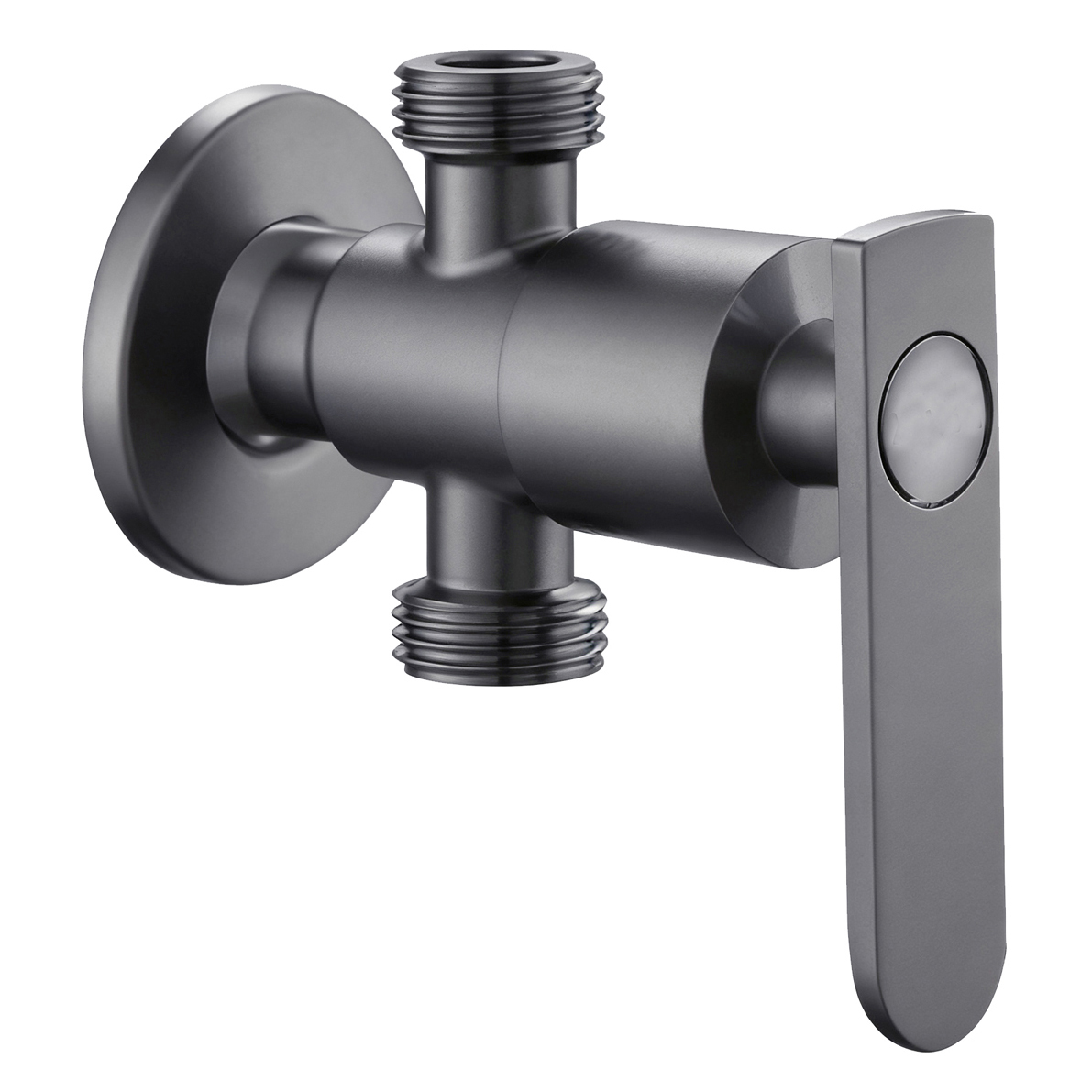




One of the main attractions of a One-Button design is simplicity.
One button looks easy to understand.
Shoppers may assume they can use the product without learning a new control system.
However, “one button” only describes the number of controls.
It does not automatically explain what the button actually controls.
On a shower faucet one button, the button may turn the water on and off.
On another model, it may switch between water outlets.
Different designs may use completely different operating logic.
A simple control therefore still needs a clear functional explanation.
What Happens After You Press the Button?
This is the most useful question for a One-Button product to answer at retail.
Compared with a complex smart function, it usually does not need a full demonstration system.
A simple diagram or a clear function symbol beside the button may already explain the operation.
If one press turns the water on or off, the product information can clearly state:
ON / OFF
If the button switches between different water outlets, the instructions should show what changes after each press.
If another knob still controls temperature, shoppers should also see that the Button and Temperature Control perform two separate actions.
One Button can mean different things on different products.
A short press may switch the water mode.
A long press may control another action.
On some thermostatic systems, the button may only support one secondary function.
These differences affect how customers use a shower faucet one button.
They also affect how after-sales teams diagnose problems.
A product video should start with the water off and show the complete operating sequence.
It should show each actual state without editing out switching delays or changes in water flow.
The product specification sheet should also identify which valve or mechanism connects to the button.
It should state the expected action and clearly identify functions that the button does not provide.
The goal is to turn “One Button” into a real and understandable operating method.
It should not suggest that one button controls every faucet function.
A Simple Function Only Needs a Demo When the Explanation Is Not Clear Enough
A One-Button Shower differs from products such as Voice Control systems.
Its operating logic is usually more direct.
Retailers can therefore use a simple test:
After looking at the product and a short instruction, can the shopper correctly predict what will happen after pressing the button?
Packaging can use simple action diagrams when the product has different press operations.
For example, it can show short press, long press, and off states when those functions actually exist.
If short and long presses perform the same action, the packaging should not invent different operating paths simply to make the feature look more advanced.
If shoppers can understand the function from a static diagram, a complicated demonstration may add little value.
If they cannot, the retailer should check the reason.
The function itself may be too complex.
Or the product information may have compressed several different control actions into the vague phrase “One Button.”
For physical retail, an easy-to-sell function is not a function that needs no explanation.
It is a function that customers can understand correctly with very little explanation.