



The main difference with a Touchless function is that it replaces manual operation with sensor activation.
A shopper places a hand within the sensing area of a Touchless Basin Faucet, and the water starts automatically.
When the hand leaves the sensing area, the faucet follows its programmed control logic.
From the user’s point of view, this can feel even simpler than operating a standard handle.
However, a Touchless product needs more explanation than simply showing that water starts when someone moves a hand toward the faucet.
Sensor Position Affects How People Use the Faucet
Different automatic basin faucet models may place the Sensor in different positions.
Their activation methods and sensing areas can also vary.
Product information should therefore show where the Sensor is and where users should place their hands.
If a display sample has no power, shoppers may only see what looks like a standard faucet.
A small Sensor marker or a simple diagram such as:
Hand Position → Water Activation
can explain the function more clearly than the word “Touchless” alone.
A working display can also help retailers judge whether the interaction feels intuitive.
A Touchless Basin Faucet cannot be evaluated from one “sensing distance” number alone.
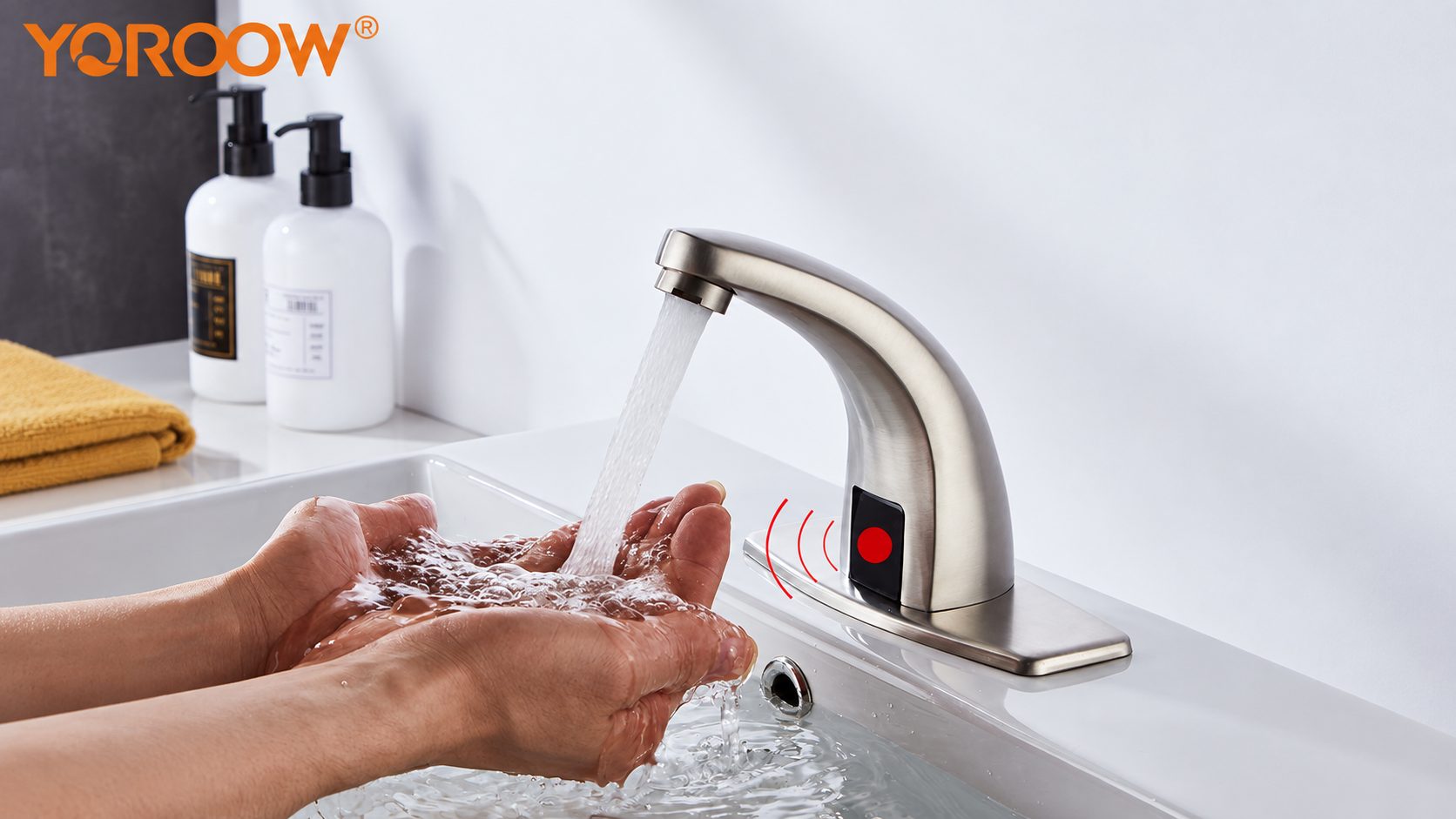
The basin edge, nearby reflective surfaces, hand movements, and even the way cleaning staff wipe the faucet may affect how users experience the sensor response.
For this reason, teams should test a physical sample at a typical mounting height and with the intended basin position.
Retail packaging should also explain the power system.
It should state whether batteries, a power adapter, or other required components come with the product.
The location of the maintenance access should also be clear.
For property or commercial applications, maintenance information becomes even more important.
Can staff replace the battery or sensor module without removing the basin?
What happens if the power supply fails?
How can water service continue or recover?
Answering these questions before installation prevents routine maintenance from becoming an unexpected burden for on-site staff.
The first-use experience also provides useful information.
Can someone naturally find the sensing area?
Or do users need to wave their hands several times before they discover the correct position?
These questions say more about real usability than whether the sensor function simply sounds advanced.
Automatic Water Flow Still Depends on Information Shoppers Cannot See
Touchless operation changes the control method.
It also usually introduces a power supply and electronic components.
The actual product specification should state whether the faucet uses batteries, external power, or another system.
Shoppers should know whether the required power components come with the faucet.
They should also know where those components go and whether they will need future battery replacement or other maintenance.
Commercial restroom trials should include cleaning routines as well.
If wiping the faucet repeatedly triggers the water, the problem affects cleaning efficiency.
A static sensor test in a dry factory environment may not reveal this type of issue.
Some Touchless faucets may also include manual control.
In that case, the product information should explain how Automatic Mode and Manual Mode work together.
Not every detail needs to appear on the front of the package.
However, shoppers should be able to find this information before buying.
For a Touchless Basin Faucet, the most useful retail demonstration is not simply whether automatic water flow attracts attention.
It should answer three practical questions:
Where is the Sensor?
How does the user activate it?
What conditions does the “automatic” function need in order to work properly?
If shoppers can understand these points during their first interaction, the Touchless function becomes much easier to evaluate as a real product feature.